Introducing eDesigner 26.1 – Now Available!
We’re excited to announce the official release of eDesigner 26.1 – a powerful new update packed with significant improvements to enhance your design workflow.
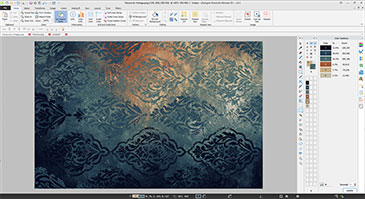
This major version introduces a new Dark Theme GUI, giving the interface a sleek, modern look that’s easier on the eyes. Now fully optimized as a 64-bit application, eDesigner 26.1 delivers faster performance, increased stability, and greater reliability. In addition, numerous minor bugs have been resolved to ensure a smoother, more seamless user experience.

eDesigner 26.1
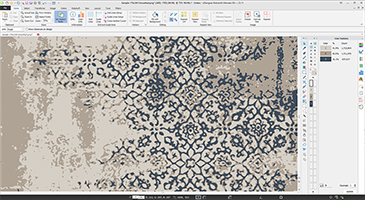
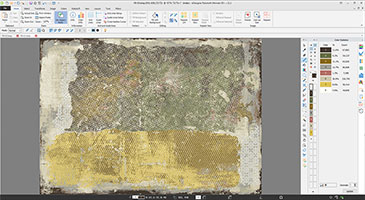
Artwork by DELASA DESIGN – Istanbul
What’s New in eDesigner 26.1
Take your design experience to the next level with the latest eDesigner 26.1 update — packed with performance upgrades, interface enhancements, and new creative tools to boost your workflow.
- Improved Performance
- Now fully optimized as a 64-bit application for improved speed, enhanced stability, and increased reliability.
- A wide range of bug fixes deliver a smoother and more consistent user experience.
- Enhanced GUI (Graphical User Interface)
- New Dark Mode (Dark Theme/Night Mode) reduces eye strain in low-light environments.
- Larger Dialog Windows with expanded preview options offer a more comfortable and user-friendly interface.
- Drawing Tools Enhancements
- Improved tool performance and workflow flexibility to make editing faster and more precise.
- General Performance Enhancements
- Faster AutoSave previews, regardless of design size.
- Color Management & Effects
- Enhancements in color handling, including better control of transparency, masking and blackout.
- New and improved filters and effects, delivering more creative options.
- Pattern related functions improvements, supporting transparent colors and optimized for faster performance.
What’s New in the Robotuft Add-on
Expand your production capabilities with powerful new features and enhancements in the Robotuft add-on, designed to deliver more accuracy and creative control.
- Stitch Viewer & Simulator
- Get a real-time view of actual production output and estimate more accurately with the new Stitch Viewer and Simulator tools.
- Advanced Painting & Stitching Engine
- A newly enhanced engine now supports transparency, giving you more design flexibility and control.
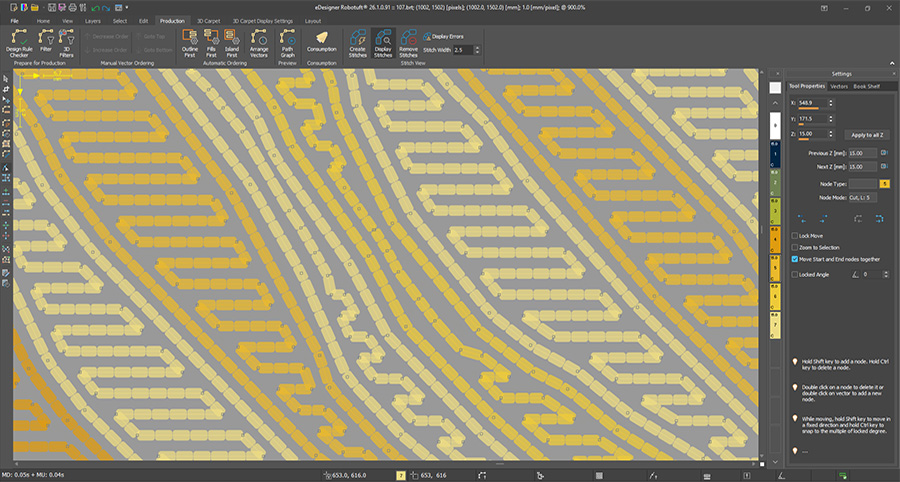
eDesigner 26.1
New Stitch Viewer in Robotuft Add-on
- BRT File Enhancements
- Version 14 BRT files now store complementary production data generated by the Stitch Viewer.
- Offsetting Engine Upgrades
- New Skeleton Offsetting Engine for faster, more accurate results.
- New Clipper Offsetting Engine for high-precision performance.
- Corner Smoothing Option now available in offsetting functions.
- Additional Productivity Tools
- New Move Segment Tool for easier path editing.
- Recent Files Preview: Quickly access and sort previously used files.
- Accelerated BRT file previewing for quicker access to your designs.
- UI & Workflow Improvements
- New Palette Grid for easier layer management (select, hide, organize)
- Several minor bug fixes for a more seamless design experience
- Gradient Wizard Upgrades
- New Clipped Spiral Gradient
- Custom gradient shapes for carpets
- Repeat and Mirror options for more visual variety
- Enhanced UI for easier navigation and control
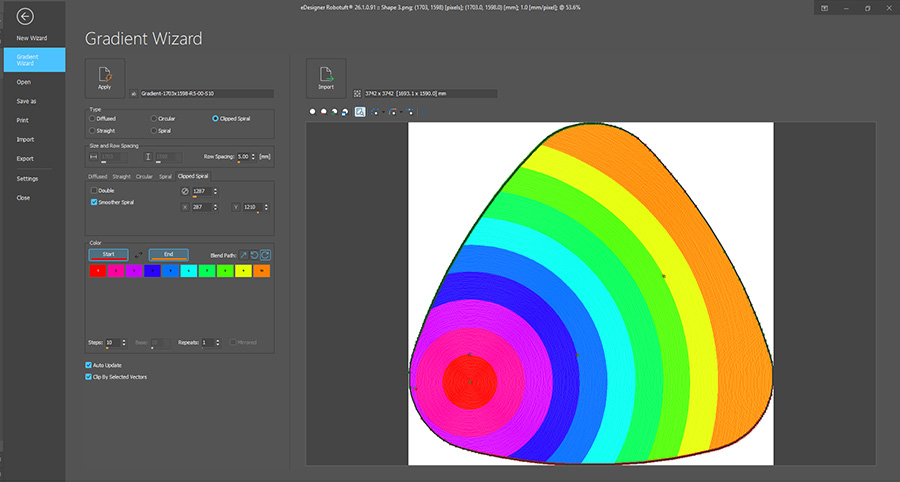
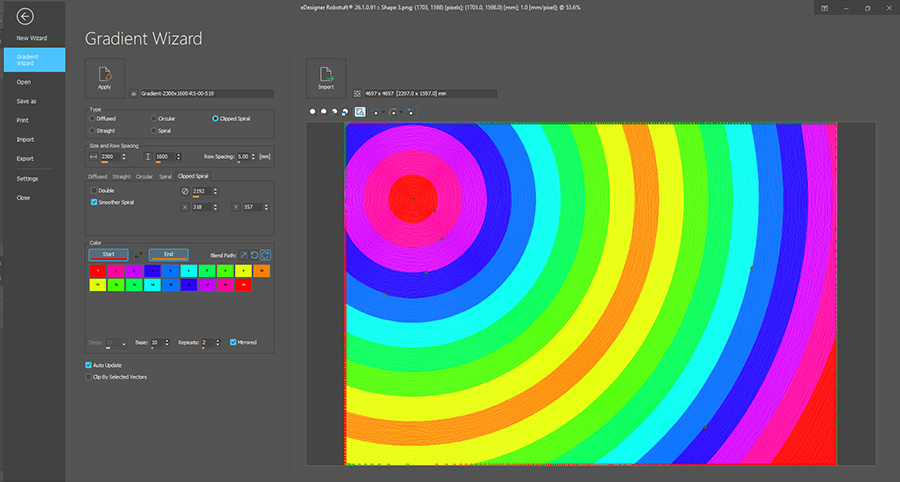
eDesigner 26.1
New Gradient Wizard Options
Upgrade today and take your productivity to the next level with eDesigner 26.1!